

Streamlining Digital Asset Creation with a Figma Workflow
Enfant Terrible is a cooperative media outlet founded in 2018 in Córdoba, Argentina. Its focus covers socio-environmental, political, territorial, and gender issues, working in collaboration with social organizations and as a founding member of the Red de Medios Digitales (RMD) de Argentina.
TL;DR
Challenge
Asset production was fragmented, resulting in inconsistent visuals that didn’t fully reflect the brand or content strategy.
Process
Worked with the Community Management team to audit existing materials, identify gaps in brand alignment, and surface undocumented standards.
Solution
Developed a standardized Figma workflow, including a refined style guide and reusable components, to formalize and enforce visual consistency.
Impact
Reduced design revisions, sped up onboarding, and ensured all digital assets adhered to a coherent and recognizable brand identity.
Role
Workflow Strategist, Visual Designer
Stack
Figma
What I did
I was responsible for analyzing and implementing a new workflow for generating graphic assets for the Community Management team.
I conducted internal interviews, evaluated potential solutions, and proposed a new workflow.
The Problem
Previously, the generation of assets for social media posts from published articles was implemented directly on the website, using article data to create an HTML structure and the dom-to-image library to export that structure as a PNG file.
The issue was that, due to the CSS rendering limitations of the library, some things were impossible to implement.
Additionally, with no graphic designer on the team, there was a heavy reliance on external designers to create more personalized content, those that went beyond what was possible with the library.
I worked thinking, in the best case, to overcome these limitations. In the worst case? Restructure the entire process with a different tool.
Goal
Implement a new workflow for generating graphic assets.
Research
I conducted several interviews with the Community Management team to better understand the main issues with the current asset generation workflow.
Despite being aware of the limitations mentioned earlier, at least on the technical side, I was more interested in understanding what they considered a problem or, in the best case, what really worked.
The lack of freedom and the interface were the main issues.
The first conflicted with the ability to maintain internal brand consistency, as that freedom needed to be within a framework that would prevent deviations from the brand’s guidelines.
The second exceeded the time and budget of the project, as further developing an in-house tool would require more development and maintenance effort.
Decisions
The project then shifted from trying to fix something to redefining the entire workflow with a tool that: would not be an internal or self-hosted solution to keep maintenance to a minimum, would be regularly updated, have good UX/UI, and offer users more creative freedom while still keeping it constrained.
Figma was my choice. I explored some tools and suites, such as BannerBear and Adobe Suite, but in the end, the cost-benefit ratio leaned in favor of Figma.
The reason wasn’t just familiarity, but because:
- Global variables and styles, including colors, can be defined.
- Components with variants and boolean operators can be created.
- Its interface is simpler than other vector graphic editors.
Figma offered a better user experience for the entire workflow while keeping the generated assets within the brand by limiting them to defined styles, variables, and components.
Designing
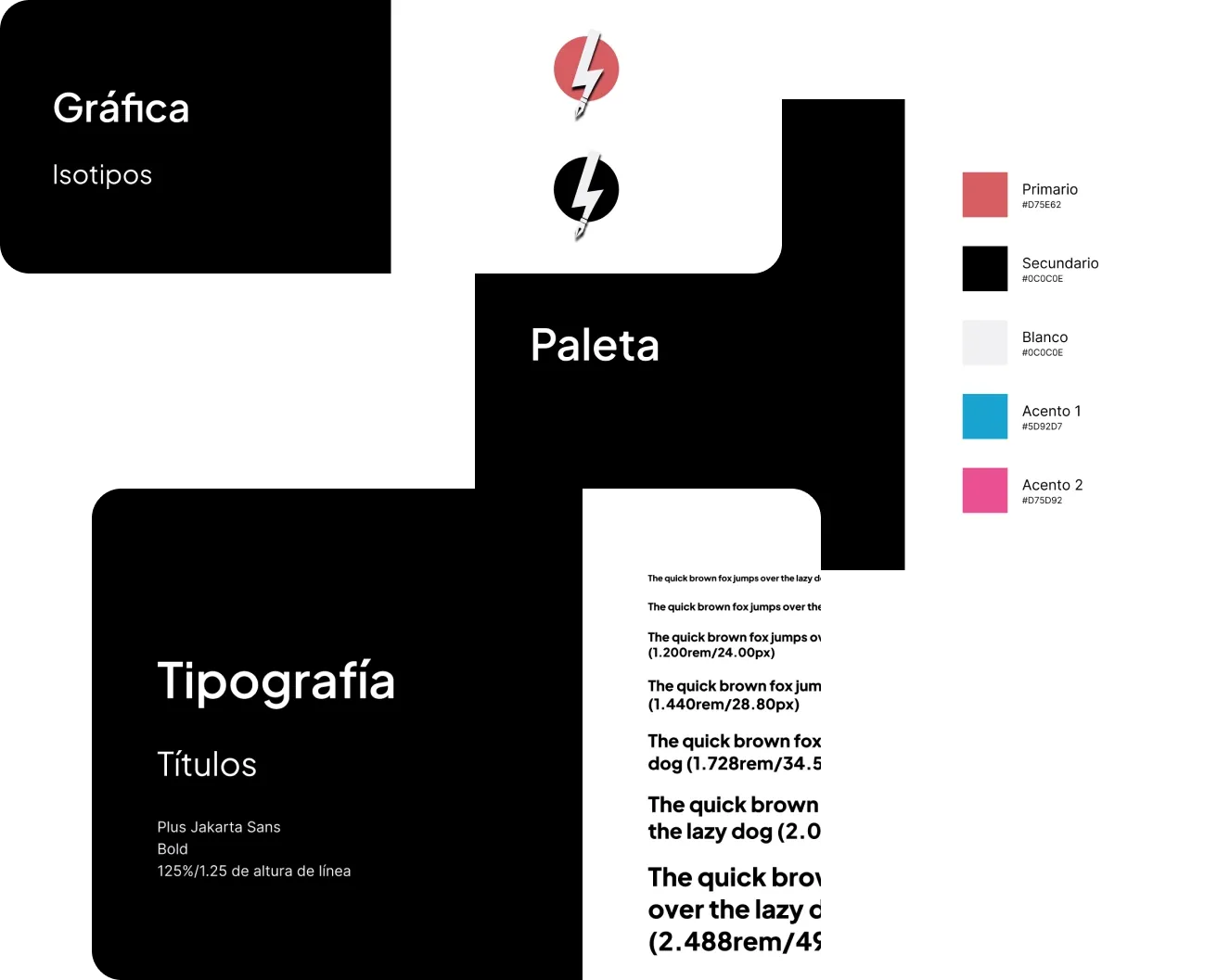
I defined the elements that make up the visual identity of Enfant Terrible, such as isotypes, imagotypes, logos, color palette, and typography.
Each of them was defined as components and styles in a brand style guide, which served as the visual foundation for both this project and the website redesign.
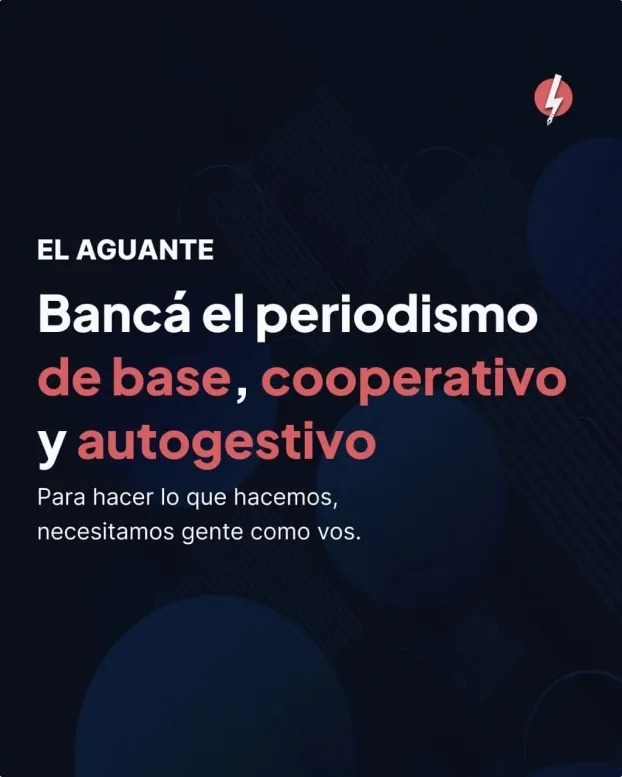
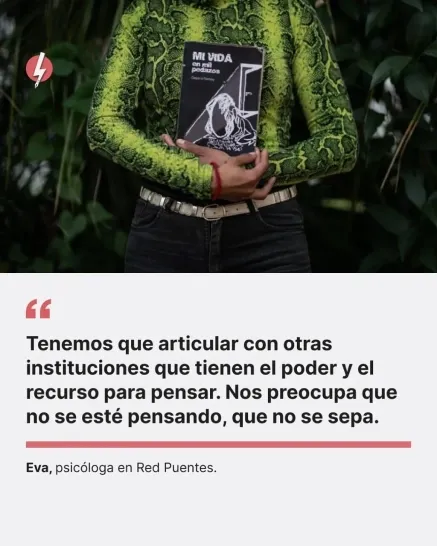
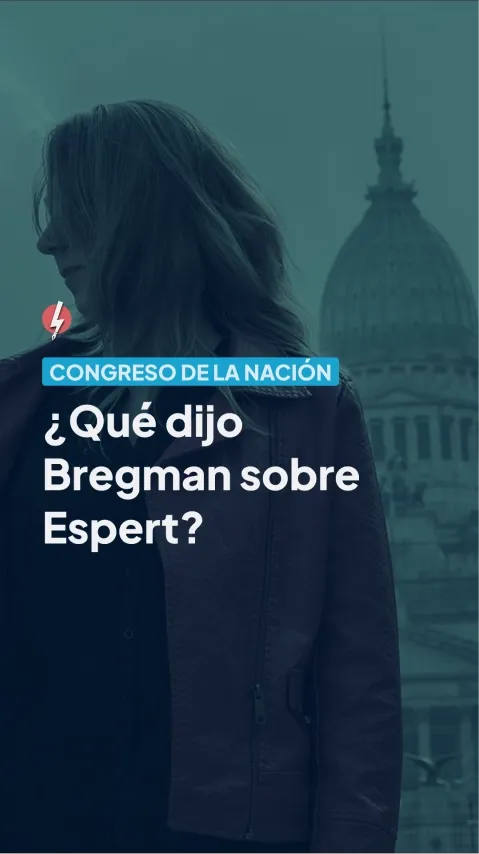
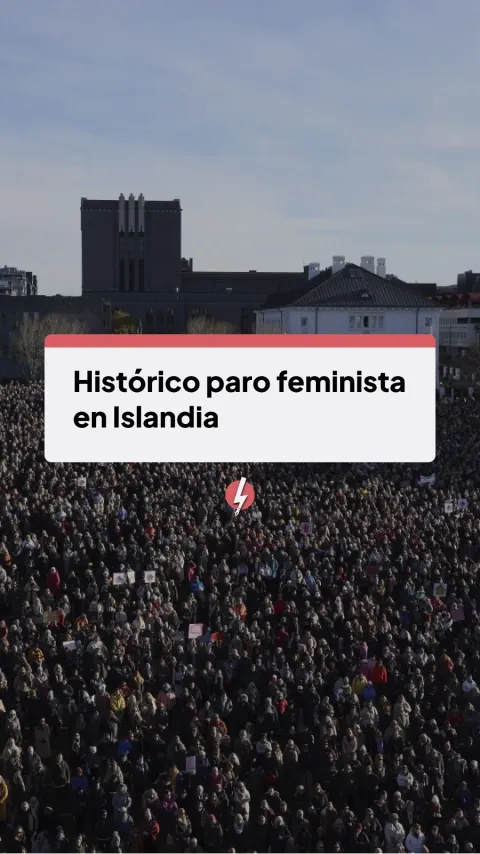
I conducted a visual assessment of the content published on social media. I identified five types of content: articles, quotes, videos, monetization/loyalty, and situational (customized content).
Each content type, except for customized content, was transformed into components in Figma, ensuring consistency across different use cases through a single source of truth.
I carried out an intensive two-day internal training, followed by a week of support. By the beginning of the following week, the workflow was already implemented.




Takeaways
The change was considered a significant improvement for the Community Management team.
Figma’s intuitiveness allowed for a shorter internal training period and a quick implementation.
At the time of writing, the Figma library includes 5+ components with over 60 variations in total.